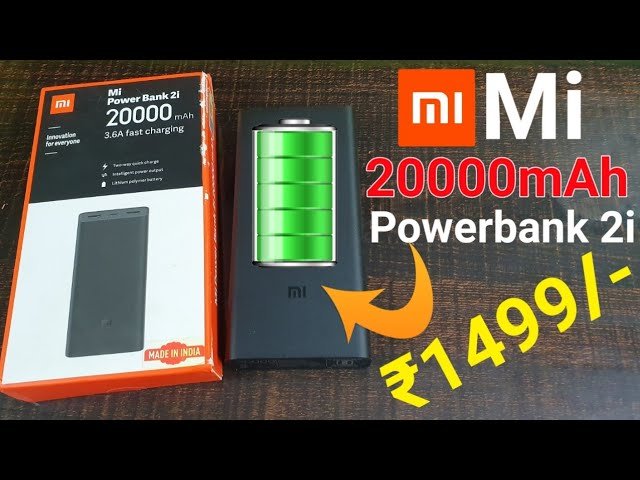
💥ഫോൺ ചാർജ് തീരില്ല | Mi Power Bank 2i 20000 MaH unboxing &Review Malayalam 2020

Xiaomi Redmi 20,000mah 18w Powerbank Review: A Powerhouse on the Go

Let’s face the facts; your devices can never have enough power by themselves. If you’re like me, I carry with me about four battery-powered gadgets including my smartphone, laptop, smartwatch, and sometimes an iPad. But even if you’re not fully loaded in full armor like me, you’ll still find yourself fidgeting for the nearest power source to juice up or better still a power bank.

The Redmi 20,000mAh is a power bank from Xiaomi, the Chinese company renown for producing premium products at unbeatable prices. Redmi is one of Xiaomi’s brands targeted towards emerging markets such as India, Pakistan, Middle East, and Africa. Now Xiaomi already had the Mi Power banks in the 10,000mAh capacity category which I’ve also been using.
What we liked;

Great build quality
Dual-output charging ports
What we didn’t like

No LED display for battery percentage
Slightly heavy
USB-C port is not bi-directional
The Redmi is nothing more than just another name for the same product, although it’s manufactured in India by Zimi Corporation—a Mi Ecosystem company.

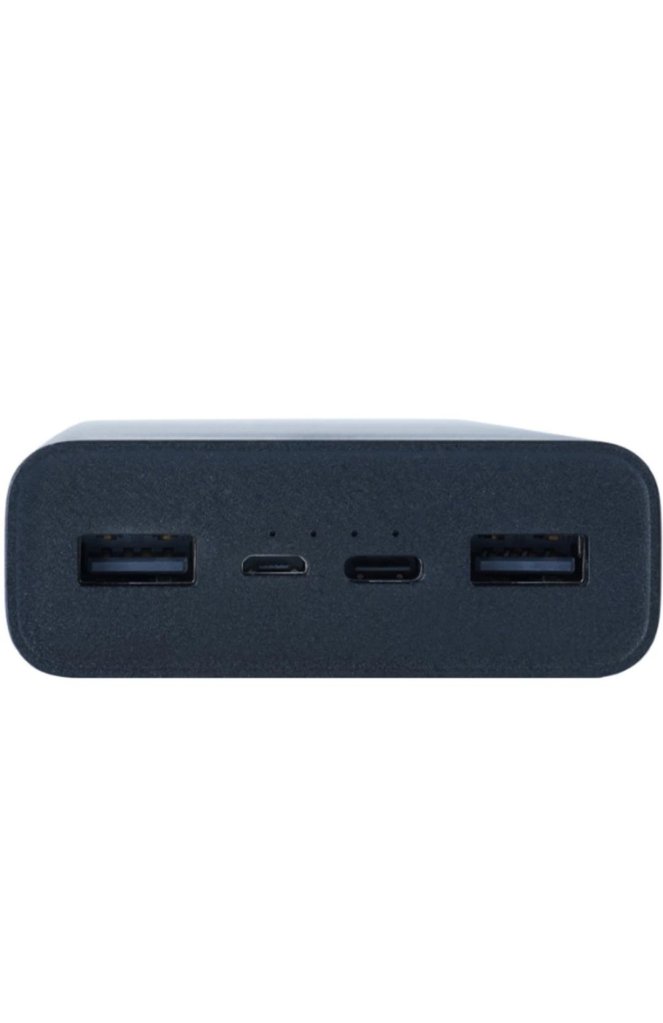
With enough background and context, let’s dive into this product. The Redmi 20,000mAh power bank is a powerhouse. It was released in 2020, comes in black, weighs about half a kilogram which is heavy as you would expect. It comes with one micro-USB cable for charging. It’s 74Wh, 3.7V meaning you can take it on a plane without issues for those traveling. The Redmi power bank has 4 ports in total; 2 inputs and 2 outputs.
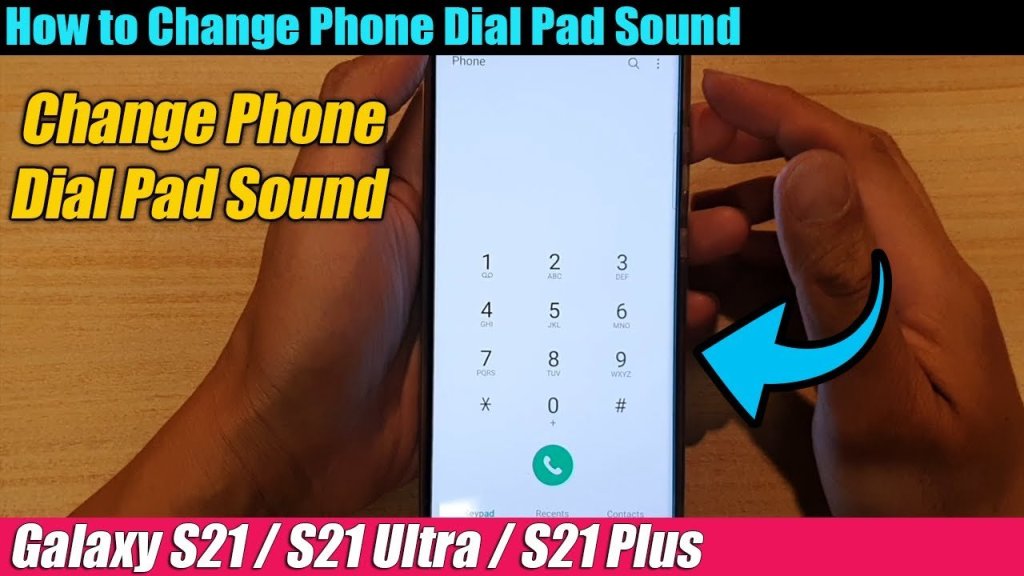
How To Turn on Dial Pad sound In phone

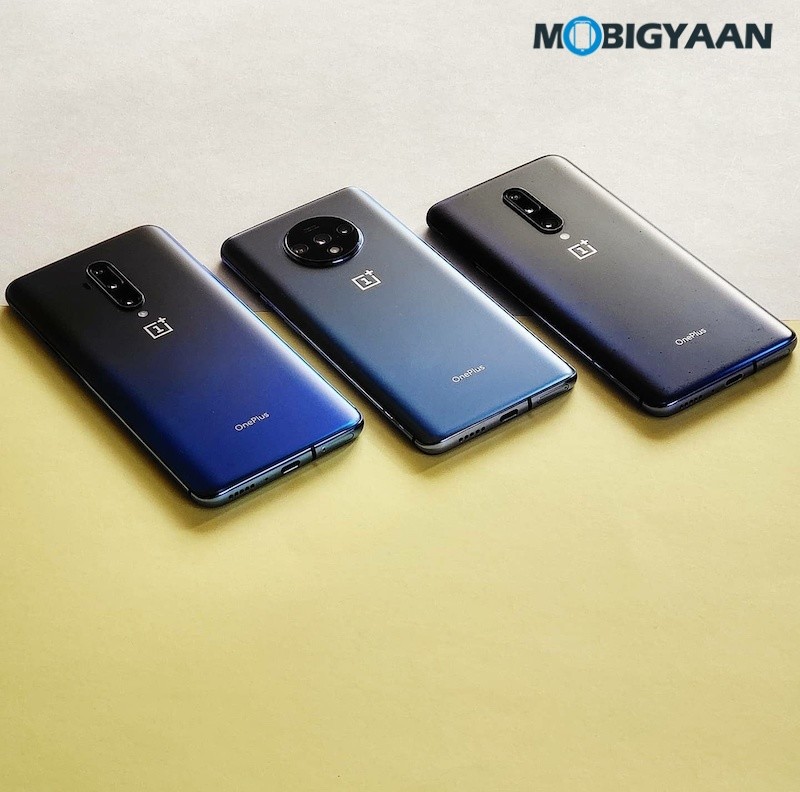
Some people don’t like the dial pad tones beep, although you have the option to lower the sound, even I don’t like it when my phone confirms every tap with a tone. If you’re annoyed by the constant beeping dial pad tones on your OnePlus smartphone, here’s how you can disable it.

How-To-Disable-Dial-Pad-Tones-On-OnePlus-Phones-Guide-2

How To Disable Dial Pad Tones on OnePlus Phones

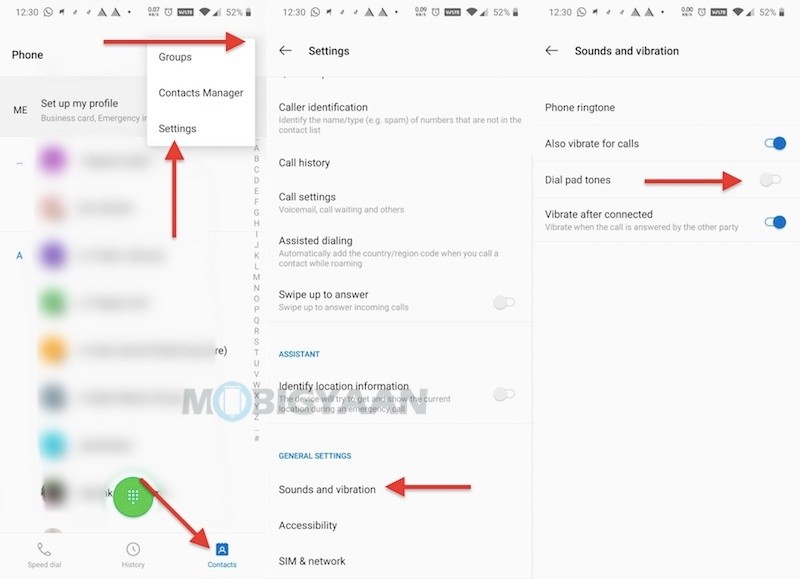
  1. On your OnePlus phone, tap on the dialer on the homescreen.
  2. Tap Contacts at the bottom.
  3. Tap three dots in the top right corner and select Settings.
  4. Now, swipe to the bottom and select Sounds and vibration under General Settings.
  5. Here, you have the option to disable the dial pad tones. Tap the Dial pad tones slider to disable.

You can also disable the vibrate for calls and vibrate after the call is connected if needed.

How-To-Disable-Dial-Pad-Tones-On-OnePlus-Phones-Guide-2-1

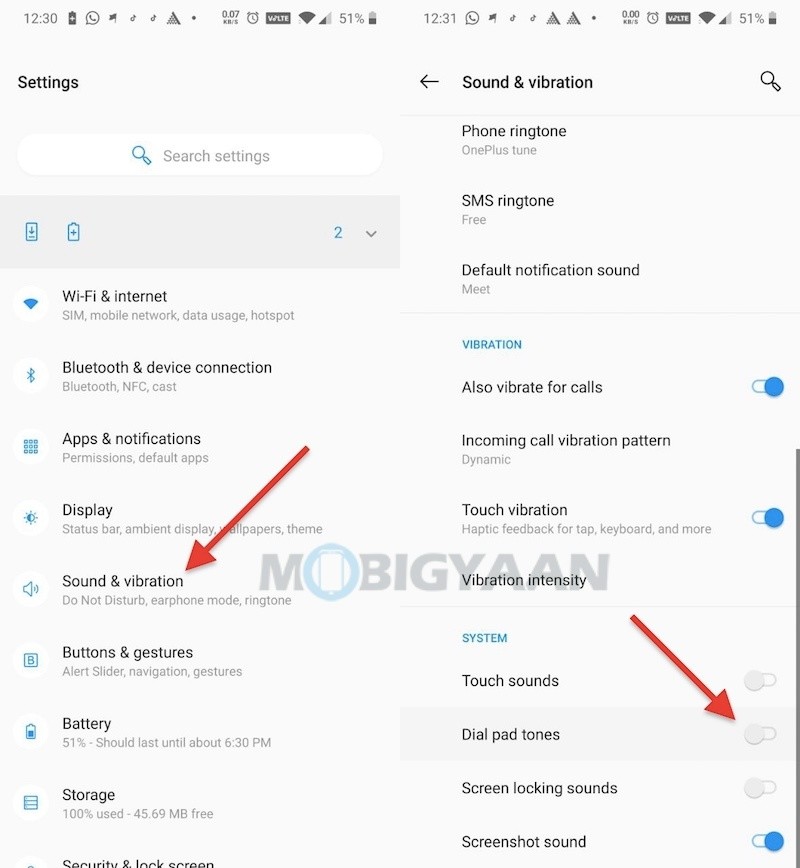
There’s another way you can do it and it may work on most Android phones.

  • Go to Settings -> System -> Dial pad tones and disable the slider to turn off the dial pad tones. You can also tweak other settings related to sound and vibration.
How-To-Disable-Dial-Pad-Tones-On-OnePlus-Phones-Guide-1-1

about:blank

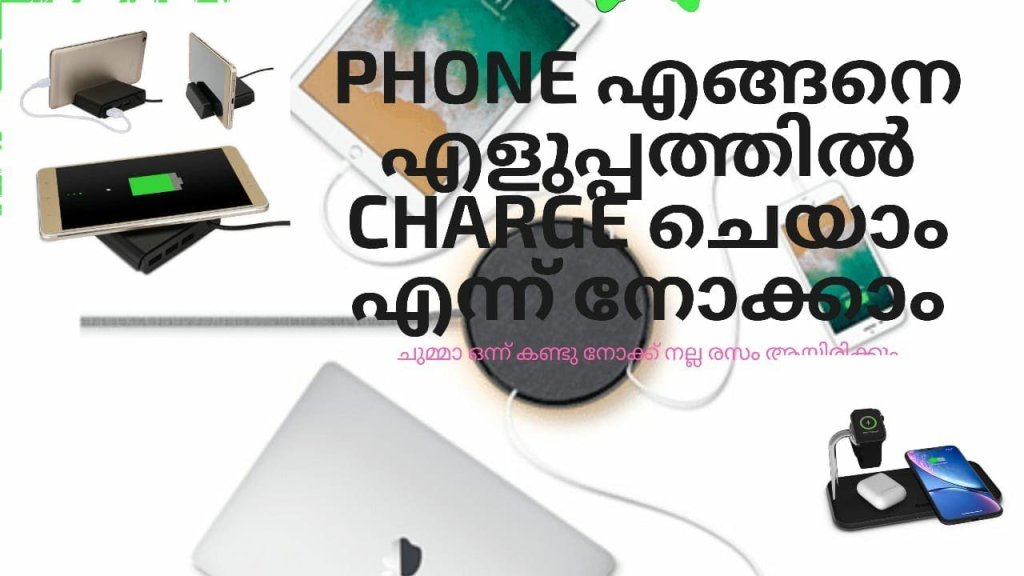
Phone എങ്ങനെ എളുപ്പത്തിൽ ചാർജ് ചെയ്യാം എന്ന് നോക്കാം ….🌚⚡️⚡️📲📱

Mobile charge speed

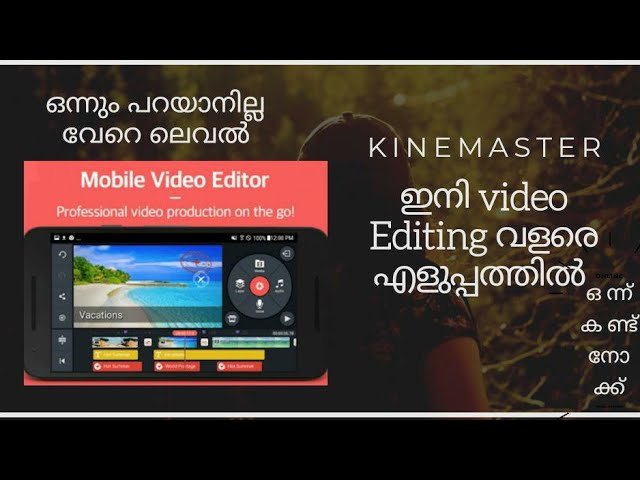
ഇനി video Editing വളരെ എളുപ്പത്തിൽ ചെയാം


Edit Video Templates or start a new video; Combine your own videos and images with incredible visual and audio effects. Then share your video with the world!

Discover what’s Possible!
• Find just the right KineMaster video template on the Home screen
• Scroll through the Mix screen to see what’s possible with Video Templates
• Manage your videos, or make a new video, on the Create screen
• Save your favorite templates and become a KineMaster member on the Me screen

Make a Mix
• Download a Video Template, then replace the videos and images with your own
• Change as much as you want to make your video uniquely yours
• Add creative flourishes from thousands of visual and audio effects
• Write and edit text, then add effects and animations

Edit for Impact
• Use videos, images, stickers, special effects, and more
• Add music, voiceovers, sound effects, and voice changers
• Get a different look with color filters and color adjustments
• Immerse yourself in sound with EQ presets, ducking, and volume envelope tools
• Use the keyframing tool to add custom motion graphics to almost anything