How to go live under 1000 subscribers ultimate streaming For YouTube Live Studio Tutorial malayalam
Aby Abraham Tech Vloges Gameing
ABY ABRAHAM TECH VLOGS GAMEING Thanks for checking out ABY ABRAHAM TECH VLOGS GAMEING.my name is Aby Abraham and this channel is about the best Technology and Tips Tools for online video! On this YouTube channel you will find weekly tech,video gear, lighting, and audio gear reviews and tutorials .my passion is to help you find and master the tools for creating online content like YouTube videos,podcasts,photos product unboxing,reviews guides,news updates and more Be sure to comment and say hello and let me know what kind of videos or reviews This channel published Technology updates life important informations If any compliments or want to sponsored videos contact
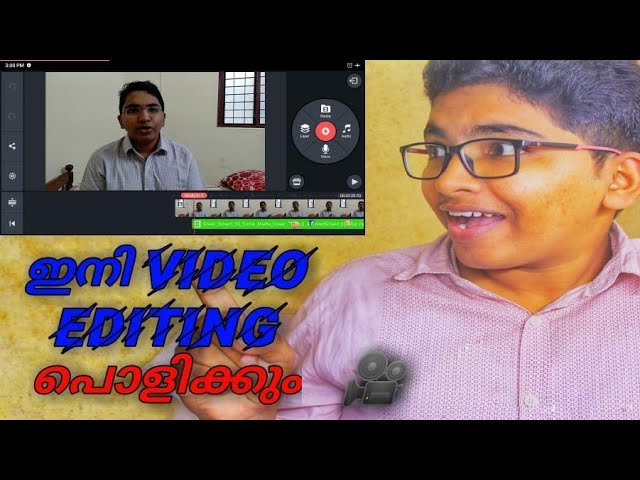
Kinemaster is a potent video editing tool for Android. The app is free to use and comes with a range of features making it a fully-featured video editing app on similar grounds to . NexStreaming Corp, now Kinemaster Corporation, develop Kinemaster. Kinemaster Mod APK is a simple yet powerful editor tool for Android that helps create some dazzling effects with layers, transitions, voice envelopes, images, effects, and more. The app is simple to use and very powerful for creating deep edits.
Today in this post, I will provide you with a for your Android with the features fully unlocked and updated. We do not endorse the App, nor are we affiliated with it in any form. This post and the download link are for personal use only. Kinemaster is the best mobile alternative to high-end computer editors. It does all the editing and mixing that you can expect from the computer software.
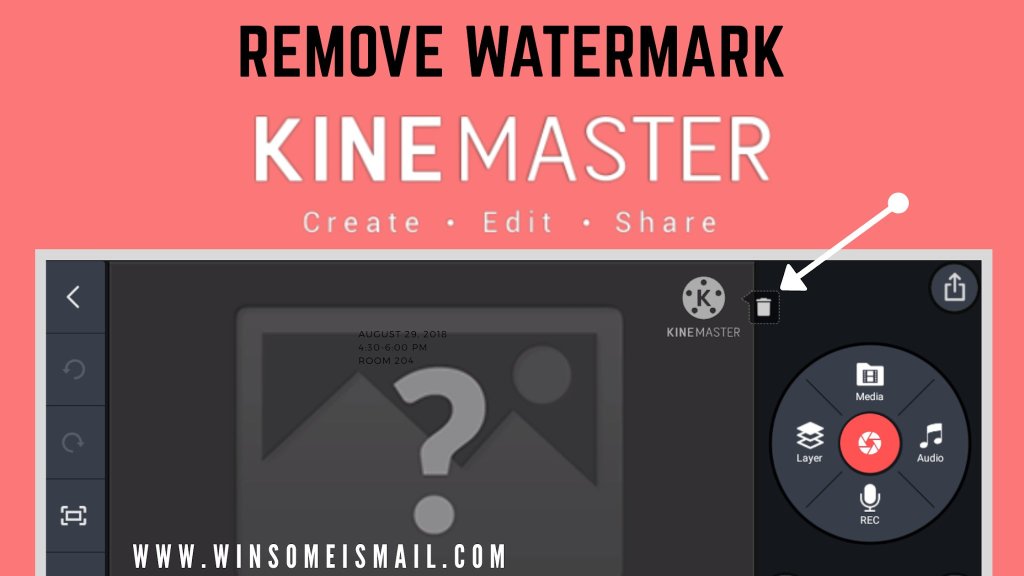
What is KineMaster Mod?
KineMaster Mod is a fully-featured professional video editor for Android, supporting multi-layers of video, images, and text with state-of-the-art cutting and trimming; you can have multi-track audio, volume envelope control, and 3D transitions, Chroma key, animations, effects, VFX, and more for free.
The app will take some time to index media; you can perform Hardware Performance Analysis for smooth functioning of the app based on your device compatibility.

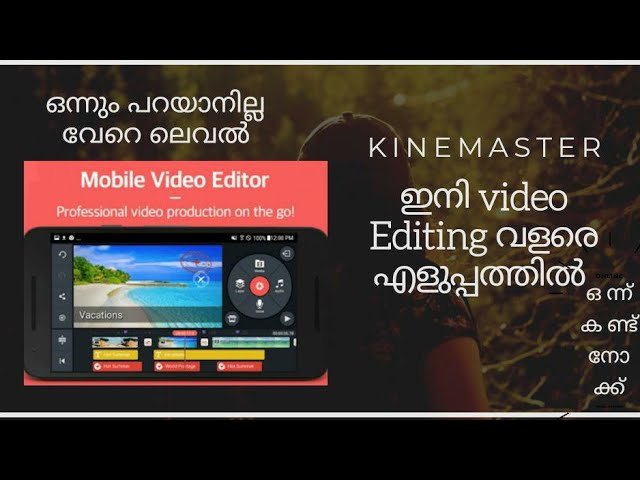
Edit Video Templates or start a new video; Combine your own videos and images with incredible visual and audio effects. Then share your video with the world!
Discover what’s Possible!
• Find just the right KineMaster video template on the Home screen
• Scroll through the Mix screen to see what’s possible with Video Templates
• Manage your videos, or make a new video, on the Create screen
• Save your favorite templates and become a KineMaster member on the Me screen
Make a Mix
• Download a Video Template, then replace the videos and images with your own
• Change as much as you want to make your video uniquely yours
• Add creative flourishes from thousands of visual and audio effects
• Write and edit text, then add effects and animations
Edit for Impact
• Use videos, images, stickers, special effects, and more
• Add music, voiceovers, sound effects, and voice changers
• Get a different look with color filters and color adjustments
• Immerse yourself in sound with EQ presets, ducking, and volume envelope tools
• Use the keyframing tool to add custom motion graphics to almost anything
Have a WordPress.com account? Log in now.

