
How to go live under 1000 subscribers ultimate streaming For YouTube Live Studio Tutorial malayalam
Aby Abraham Tech Vloges Gameing
ABY ABRAHAM TECH VLOGS GAMEING Thanks for checking out ABY ABRAHAM TECH VLOGS GAMEING.my name is Aby Abraham and this channel is about the best Technology and Tips Tools for online video! On this YouTube channel you will find weekly tech,video gear, lighting, and audio gear reviews and tutorials .my passion is to help you find and master the tools for creating online content like YouTube videos,podcasts,photos product unboxing,reviews guides,news updates and more Be sure to comment and say hello and let me know what kind of videos or reviews This channel published Technology updates life important informations If any compliments or want to sponsored videos contact
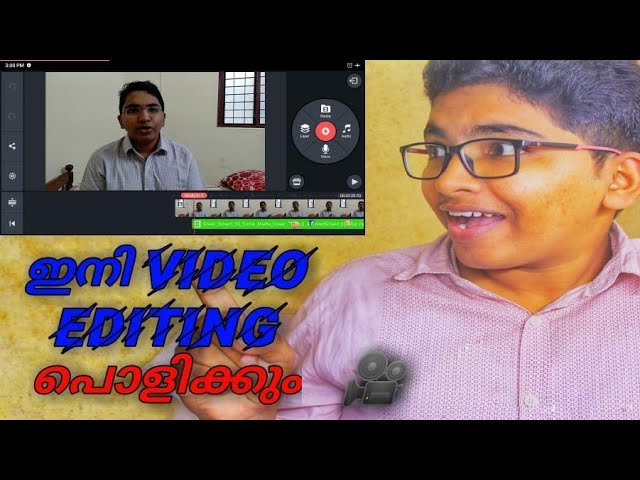
Kinemaster is a potent video editing tool for Android. The app is free to use and comes with a range of features making it a fully-featured video editing app on similar grounds to . NexStreaming Corp, now Kinemaster Corporation, develop Kinemaster. Kinemaster Mod APK is a simple yet powerful editor tool for Android that helps create some dazzling effects with layers, transitions, voice envelopes, images, effects, and more. The app is simple to use and very powerful for creating deep edits.
Today in this post, I will provide you with a for your Android with the features fully unlocked and updated. We do not endorse the App, nor are we affiliated with it in any form. This post and the download link are for personal use only. Kinemaster is the best mobile alternative to high-end computer editors. It does all the editing and mixing that you can expect from the computer software.
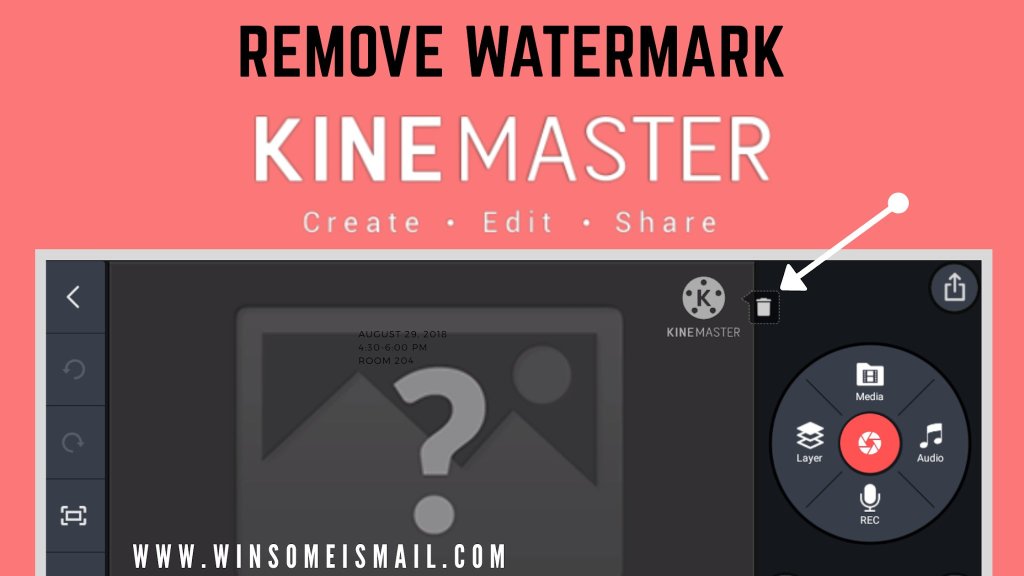
What is KineMaster Mod?
KineMaster Mod is a fully-featured professional video editor for Android, supporting multi-layers of video, images, and text with state-of-the-art cutting and trimming; you can have multi-track audio, volume envelope control, and 3D transitions, Chroma key, animations, effects, VFX, and more for free.
The app will take some time to index media; you can perform Hardware Performance Analysis for smooth functioning of the app based on your device compatibility.
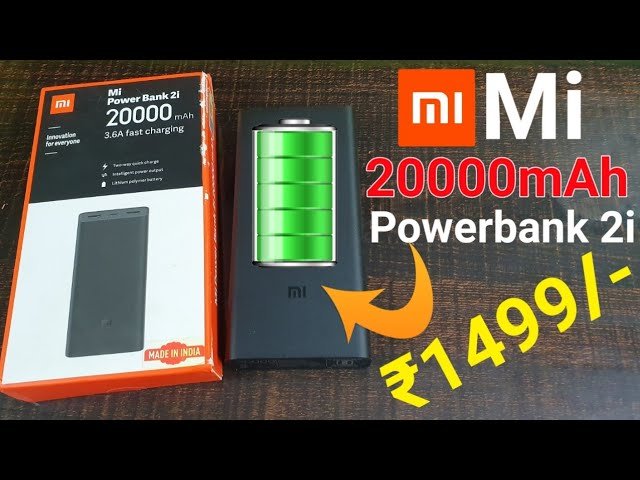
Xiaomi Redmi 20,000mah 18w Powerbank Review: A Powerhouse on the Go
Let’s face the facts; your devices can never have enough power by themselves. If you’re like me, I carry with me about four battery-powered gadgets including my smartphone, laptop, smartwatch, and sometimes an iPad. But even if you’re not fully loaded in full armor like me, you’ll still find yourself fidgeting for the nearest power source to juice up or better still a power bank.
The Redmi 20,000mAh is a power bank from Xiaomi, the Chinese company renown for producing premium products at unbeatable prices. Redmi is one of Xiaomi’s brands targeted towards emerging markets such as India, Pakistan, Middle East, and Africa. Now Xiaomi already had the Mi Power banks in the 10,000mAh capacity category which I’ve also been using.
What we liked;
Great build quality
Dual-output charging ports
What we didn’t like
No LED display for battery percentage
Slightly heavy
USB-C port is not bi-directional
The Redmi is nothing more than just another name for the same product, although it’s manufactured in India by Zimi Corporation—a Mi Ecosystem company.
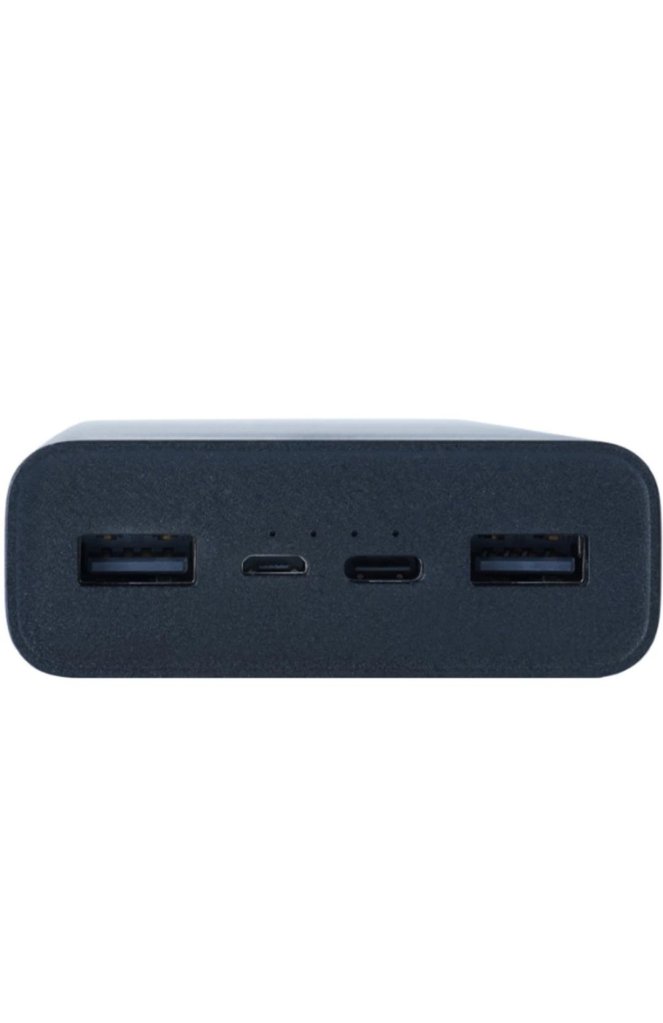
With enough background and context, let’s dive into this product. The Redmi 20,000mAh power bank is a powerhouse. It was released in 2020, comes in black, weighs about half a kilogram which is heavy as you would expect. It comes with one micro-USB cable for charging. It’s 74Wh, 3.7V meaning you can take it on a plane without issues for those traveling. The Redmi power bank has 4 ports in total; 2 inputs and 2 outputs.
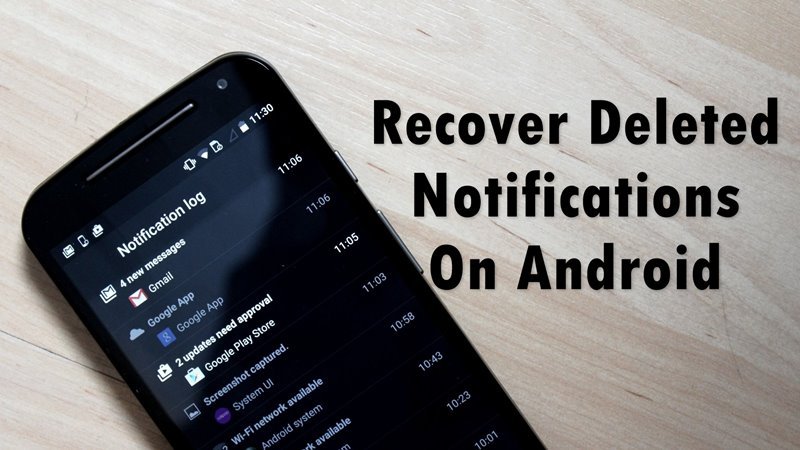
Android notifications can fill up rather quickly depending on how much of a social butterfly you are, and there might be occasions when you accidentally cleared the notifications without checking properly, only to realize that you have missed out on something important. If you’ve done this before and memories of swiping something important into non-existence by accident return, all hope is not lost! Let’s find out how.
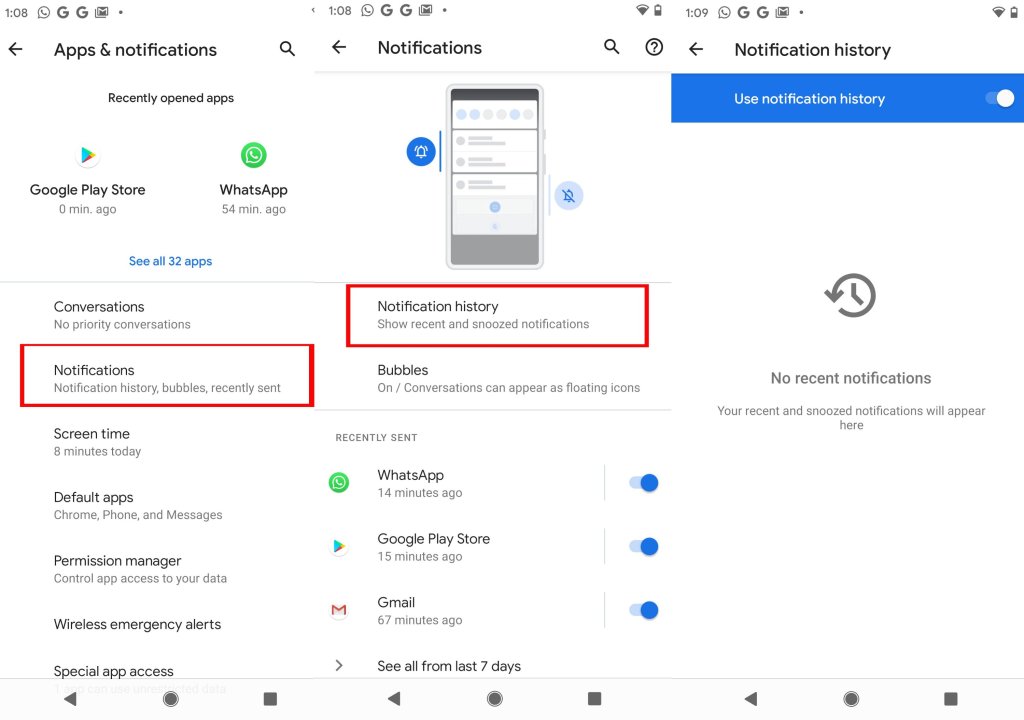
Prior to Android 11, things were a bit tricky in case you wanted to take a peek at old notifications. Stock Android 11 users, however, can recover and see recent notifications on their Android device without too much fuss.
Now that Android 12 is widely available for most smartphones and the different Android 12-based skins, it is an easy thing to retrieve your Android notifications in double quick time. Just in case you own a smartphone with an Android skin that doesn’t natively support this feature, there are several other apps that could do this for you.
Even if you swipe away notifications from the drop-down tray by accident, you can still access them provided you have enabled this feature and check it within 24 hours. Let’s first learn how to enable the ‘Notification History’ feature on stock Android devices running Android 12.
Launch the Settings menu on your Android smartphone that runs on stock Android 12.
Scroll down to Notification & status bar from the menu and select More settings.
Tap Notification history and ensure that the alert slider is enabled.
Your smartphone will now keep a log of all notifications and it can be viewed for 24 hours.
How to see old notifications on ColorOS 11
Oppo smartphones that run Color OS 11 also lets users access deleted notifications. The steps here are similar to what we saw on stock Android. This also means the user will need to turn on the ‘Notification history’ feature to start logging data. To access the notification history on ColorOS 11, you need to follow these steps
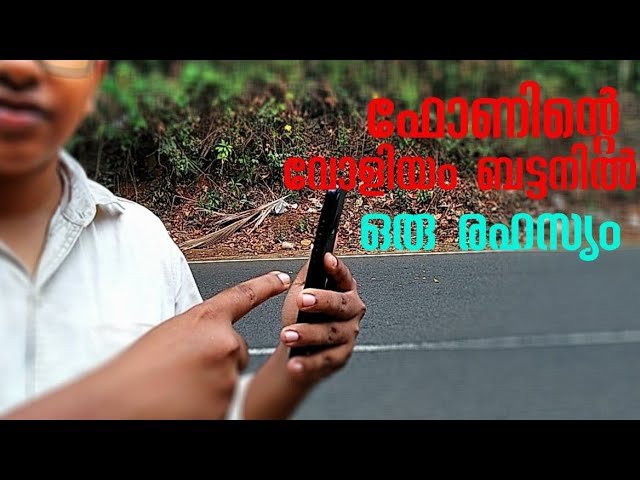
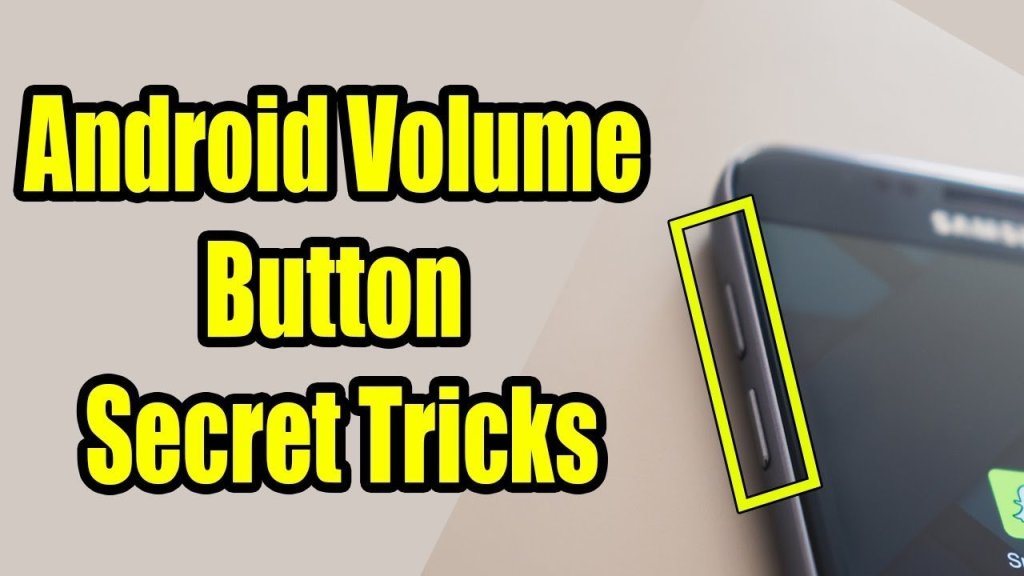
Android Volume Button Secret Tricks, android mobile volume button hidden, this video about android device secret and hidden tricks, you can apply on your and.
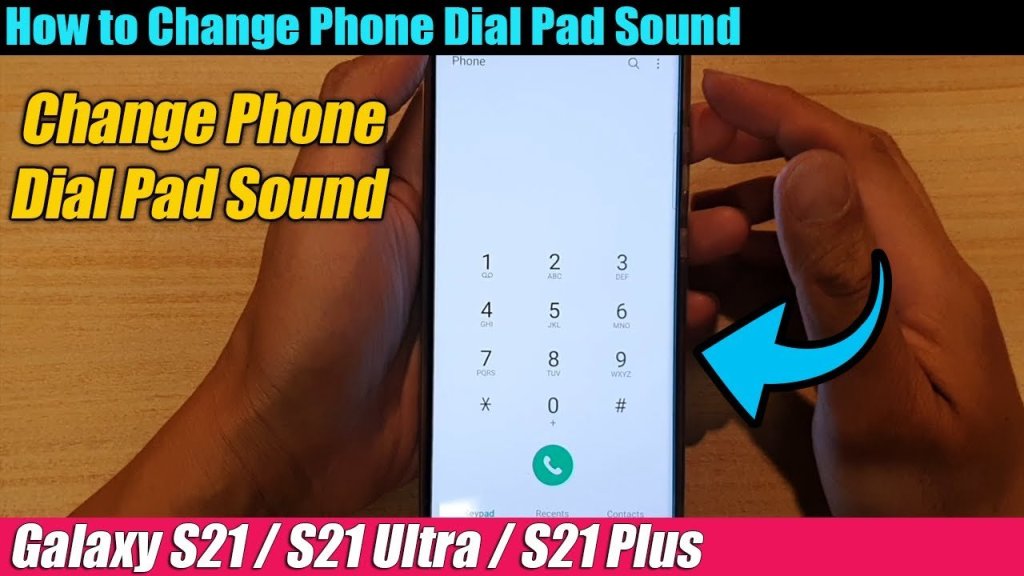
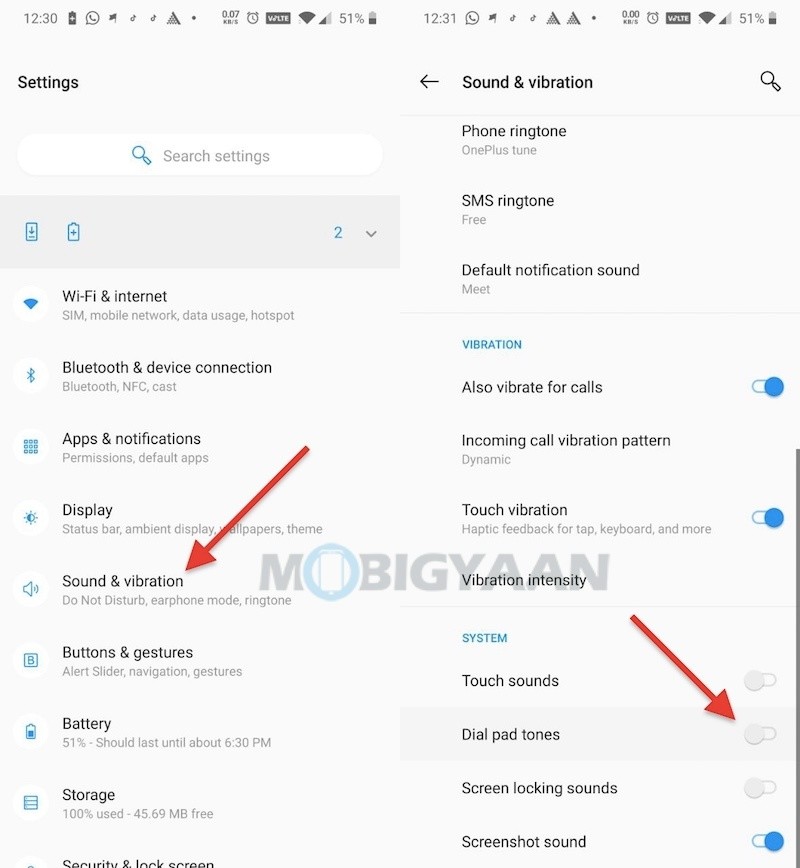
Some people don’t like the dial pad tones beep, although you have the option to lower the sound, even I don’t like it when my phone confirms every tap with a tone. If you’re annoyed by the constant beeping dial pad tones on your OnePlus smartphone, here’s how you can disable it.
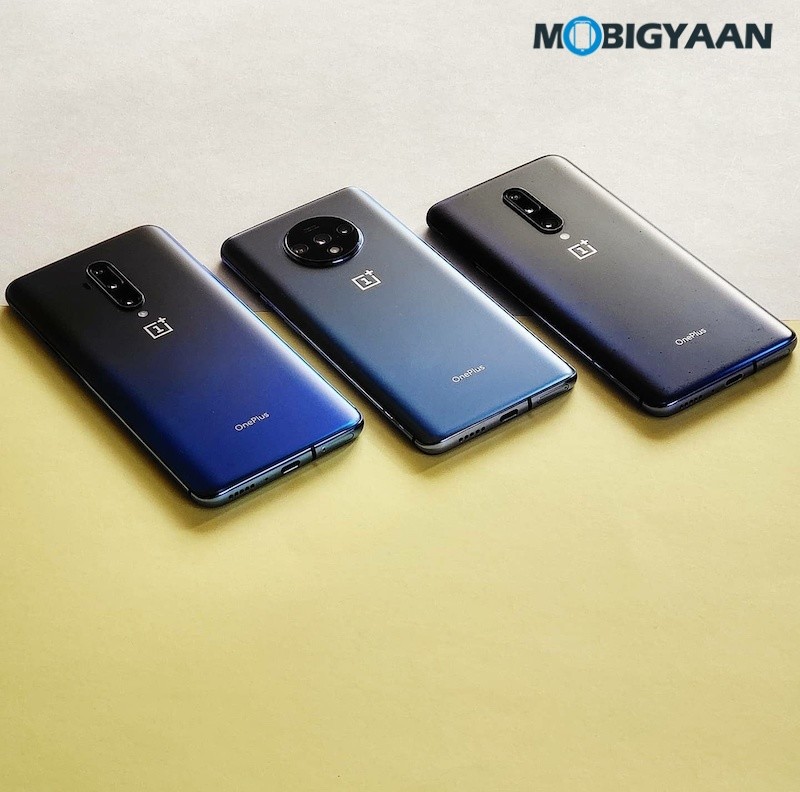
You can also disable the vibrate for calls and vibrate after the call is connected if needed.
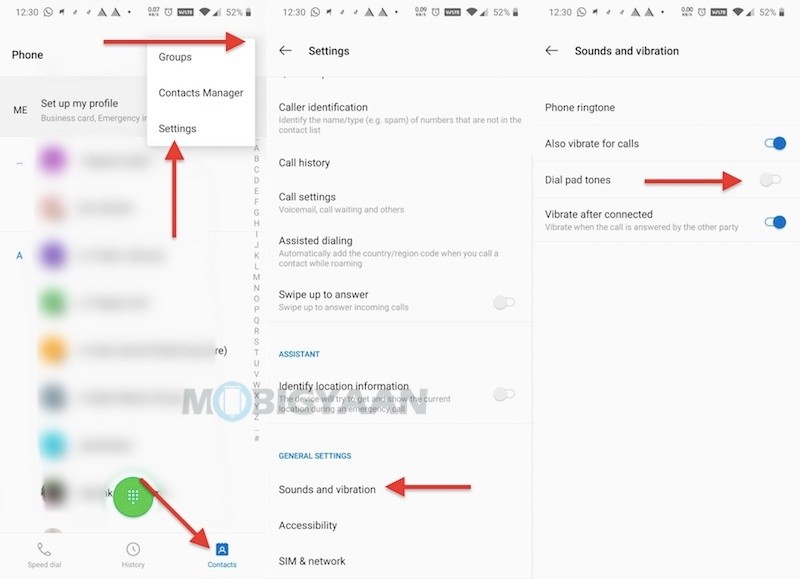
There’s another way you can do it and it may work on most Android phones.
about:blank

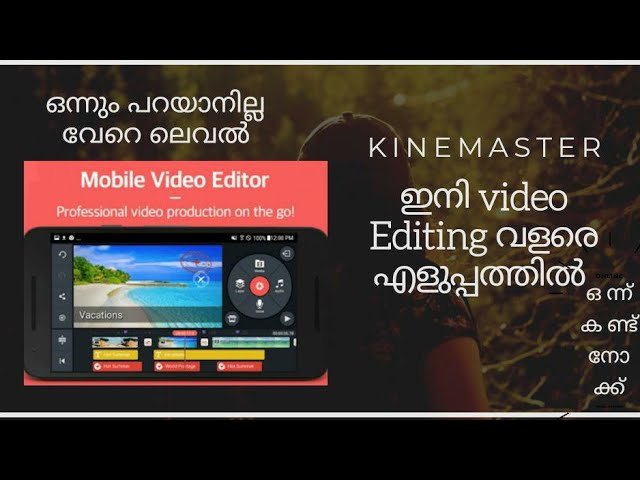
Edit Video Templates or start a new video; Combine your own videos and images with incredible visual and audio effects. Then share your video with the world!
Discover what’s Possible!
• Find just the right KineMaster video template on the Home screen
• Scroll through the Mix screen to see what’s possible with Video Templates
• Manage your videos, or make a new video, on the Create screen
• Save your favorite templates and become a KineMaster member on the Me screen
Make a Mix
• Download a Video Template, then replace the videos and images with your own
• Change as much as you want to make your video uniquely yours
• Add creative flourishes from thousands of visual and audio effects
• Write and edit text, then add effects and animations
Edit for Impact
• Use videos, images, stickers, special effects, and more
• Add music, voiceovers, sound effects, and voice changers
• Get a different look with color filters and color adjustments
• Immerse yourself in sound with EQ presets, ducking, and volume envelope tools
• Use the keyframing tool to add custom motion graphics to almost anything
Have a WordPress.com account? Log in now.

